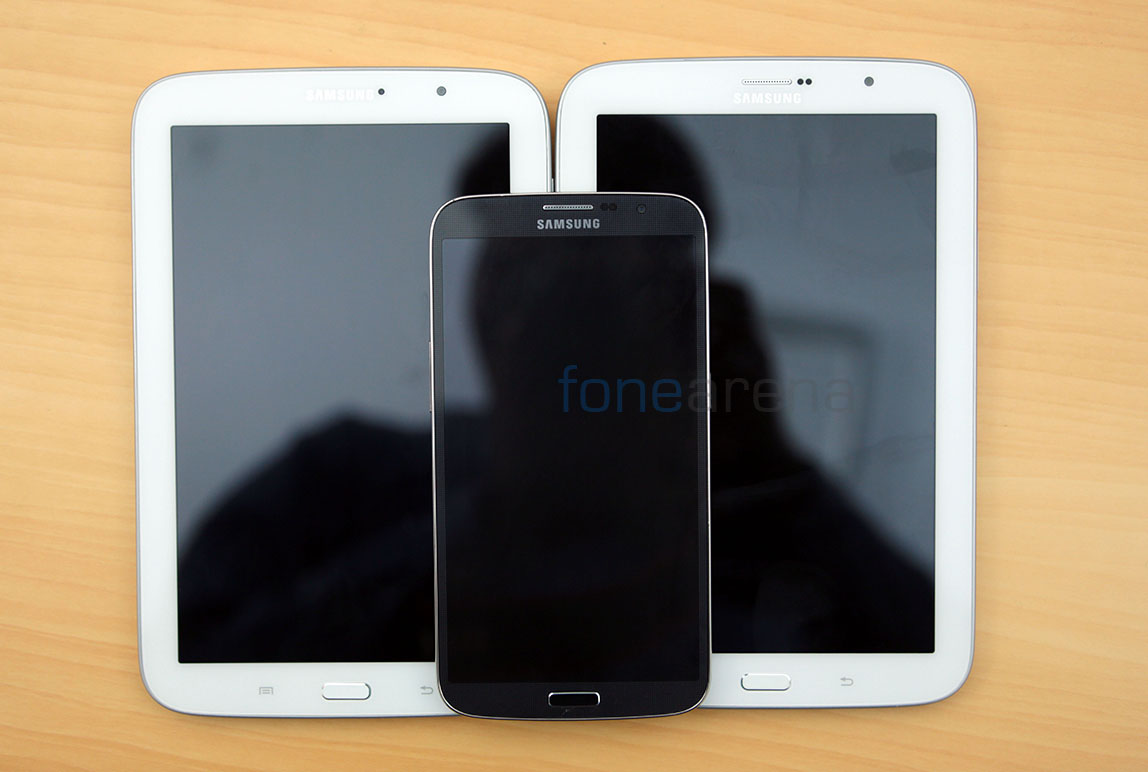
Ever since the original Galaxy Note, Samsung has continuously shocked us with screen sizes on their smartphones. Predictably, that has continued with the Galaxy Mega 5.8 and its bigger brother, the Mega 6.3 with the world’s biggest screen, on a smartphone that is. We initially thought it was ridiculous that Huawei launched a 6.1 inch device at CES, but Samsung has one-upped them, actually 0.2-upped them with a more monstrous 6.3 inch screen. After a good amount of ridicule and plenty of surprises, we have finally tested this Smartphone-Tablet hybrid in whole and here are our complete thoughts on the Samsung Galaxy Mega 6.3. Retailing at Rs 32,990, is this the large screen phablet you are waiting for? Lets find out.
Box Contents
We just unboxed the Galaxy Mega 6.3 recently and found the contents to be pretty normal, but we really would have appreciated the inclusion of a flip cover within the box. Anyway, you can take a
look at our unboxing post for more details, or at the unboxing video we filmed earlier -
Listed here are the box contents of the Galaxy Mega 6.3 -
- Samsung Galaxy Mega 6.3
- 2-pin charger
- USB cable
- Earphones with earbuds
- 3200 mAh battery
- Quick start guide
Design
The Mega 6.3 is clearly an evolution of the Galaxy S4 design. With rounded corners and a curved back, it is every bit a Samsung device and carries forward the same design philosophy, however the roundness is more akin to the Note II than the Galaxy S3. We have the black version here, which actually looks really good. Coupled with a pitch black display and a chrome rim, it actually looks like a super slick slab. There is also a familiar pattern on the front that shows up in good light and fades away otherwise, and is very much like the Galaxy S4 in black. There is a pattern on the back too but it is too glossy and cheap to be considered good.

While there is an actual chrome strip acting as a rim for the display, ear piece and the chamfered hardware home button, the sides are just plastic, but painted in chrome colour. It also has a false brushed look to it and is frankly very distasteful of Samsung to do that. But, looking at the other Galaxy devices, it has been the norm, so no escaping that in the Mega 6.3. And thanks to the sides being glossy plastic, the keys present are also made of the same material.
Build
The build quality is also typically Samsung. The front is covered by a full sheet of Corning Gorilla Glass with cut outs for the ear piece and the hardware home button. Covered by a raised chrome strip, the display actually gets some protection. The back and the sides are however made of extremely glossy plastic. You don’t need to use it for more than five minutes notice it becoming a finger print and grease magnet. The back cover, which is removable for the replaceable battery and the SIM/SD slots, is too thin and never fits in place. I always had to check frequently if it fit correctly, and still ended up noticing a bulge somewhere.

Unfortunately, over the course of our review, the Mega was mistakenly dropped from waist height and tumbled onto hard concrete with the top right part of the phone’s sides hitting first. Thankfully the damage was limited with a small crack below the home button and some damage to the back panel. In that sense, whatever crap we give Samsung for their build quality, it can clearly hold its own in an event of a fall. That brings us to the reason why it fell in the first place. The back is too slippery thanks to it being a grease magnet, so in some ways Samsung is to blame here, but at least it didn’t shatter into pieces eh?
Usability and Ergonomics
This is easily the most important part of this review. How usable was the Galaxy Mega 6.3 you ask? One word – Bipolar. In short, it’s extremely portable as a tablet and highly unusable as a phone. These extremities make you wonder what your core needs are, before you plan to use this device. To explain it better, lets consider the dimensions of the Mega 6.3 first.
- Dimension, Weight 88.0 x 167.6 x 8.0mm, 199g
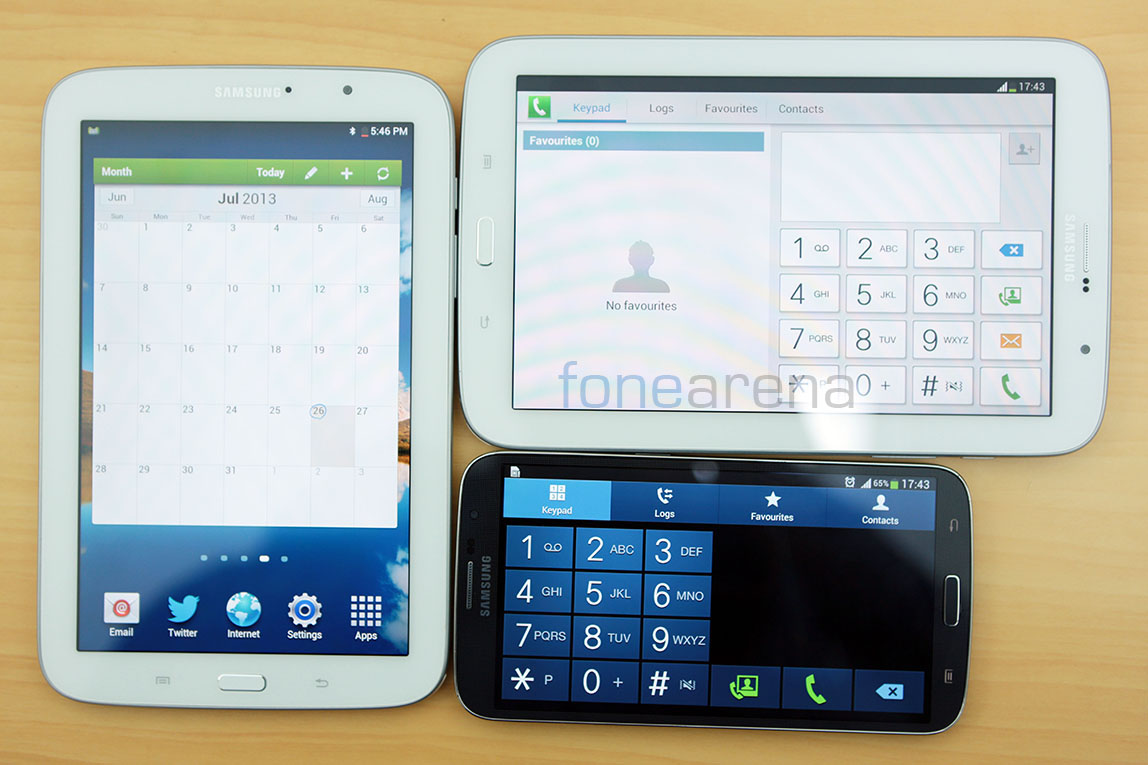
Compared to the flagship Galaxy S4, with dimensions like – 136.6 x 69.8 x 7.9 mm, 130g, you will notice how bigger and heavier the Mega 6.3 is, while being as thin as the former at the same time. At 88.0 mm of width and 199g of weight, it is actually really tough to use it in portrait, as a normal phone. Constant fumbling was inevitable and the device hardly keeps its balance, even with it held by large hands such as mine. However, these are huge constraints when you consider it as a phone, but think of it as a tablet and suddenly it looks like the thinnest and lightest most portable tablet you will ever own, and hey, it can make calls too. That’s why we think that the device is bipolar with two extremes in usability.
Forget carrying the device in your denim pockets, and forget comfortably sitting in a vehicle even if you have deep pockets. Adding to this discomfort, the device’s glossy plastic is too slippery if you expected at least decent grip for a large device. The sides and the back helps it slide easily into your pockets but at the same time lets it slide easily out of your hands, possibly a reason for the unfortunate fall. Anyway lets take a tour around the hardware.
Hardware Walkthrough
The front is dominated by the 6.3 inch 720p display which has deep blacks even when turned off.
Above the display you have the grilled ear piece, the 1.9 MP front facing camera, the usual couple of sensors and the LED notification light. You can also notice the subtle texture here.
Below the display you have the hardware home button which has a nice brushed look and chamfered edges. The other two shortcuts are capacitive shortcuts for back and menu that light up when pressed. The Mega 6.3 is slightly unsymmetrical on the front, with the bottom bezel shorter than the top, so it gives an illusion of it narrowing down to the bottom when it is actually not. We found it to be kinda distracting.
Over at the right side you have the lone power/lock switch that is comfortably placed lower for an easier reach.
The volume rocker is placed lower too, but on the left side, and both these buttons are made of the same cheap plastic as the sides. They have good tactile feedback though.
Over at the top you have an IR LED for TV remote functionality, which we found to work quite well with our Indian LG TV, and the 3.5 mm audio jack along with the secondary microphone for noise cancellation and stereo audio in video recording.
Over at the bottom you have the micro USB port with OTG and MHL functionality, along with the primary microphone used for voice calls.
Over at the back, the removable battery cover packs the 8 MP camera with a single LED flash, the Samsung logo and the loudspeaker at the bottom.
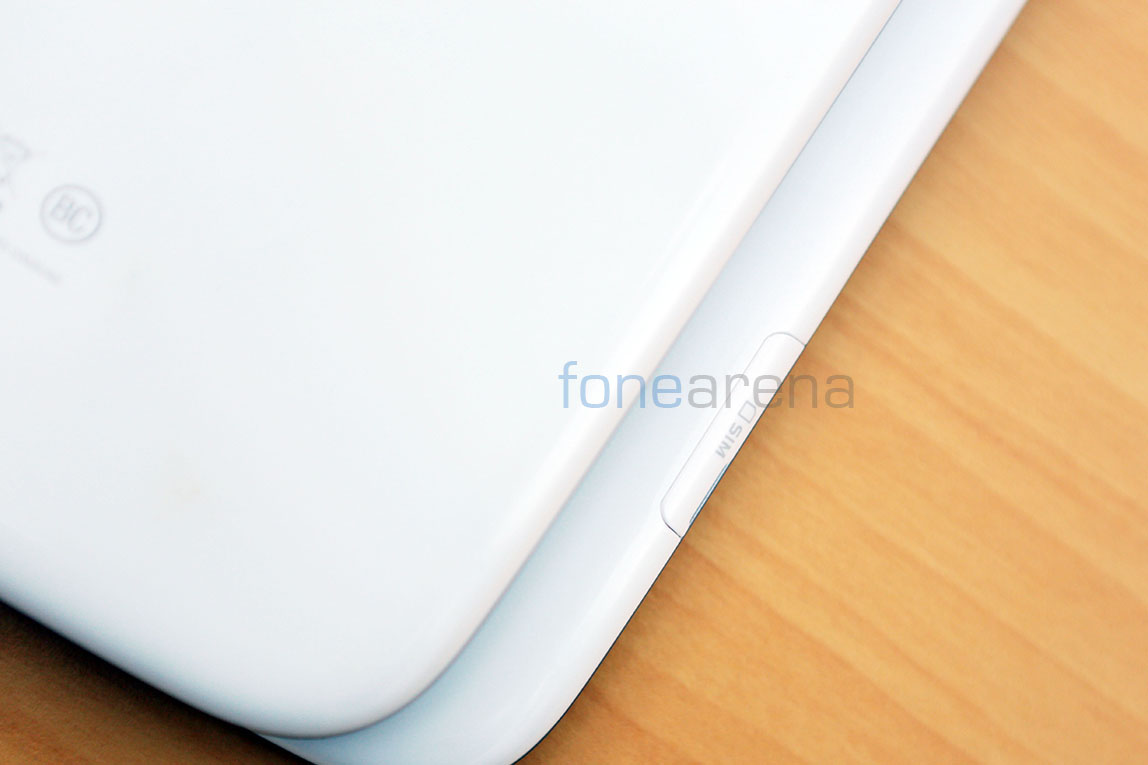
Opening up the back cover reveals the battery and the stacked micro SD/micro SIM card slots. The battery also doubles up as the NFC transceiver. That’s it for the hardware walkthrough in pictures, lets dive into further details then.
Display
The display on the Mega 6.3 is also the USP of this device. Measuring 6.3 inches in diagonal, it provides ample amounts of screen real estate for full on media consumption. The technology behind the display is Samsung’s own Super Clear LCD and this time it’s a 16:9 1280×720 resolution display with approximately 233 ppi of pixel density. While this may be considered low for a modern phone, it is still very much acceptable and really good. Considering the fact that the Mega 6.3 is naturally used further away from the eyes due to the larger screen, the display actually feels like any other high density display we have seen and used and that is a good thing.

Resolution aside, the display also has brilliant viewing angles and contrast/brightness. Almost perfect I’d say. Even outdoor visibility is excellent with the display very closely bonded to the screen and providing ample amounts of brightness when needed. The experience on a compact 6.3 inch display is overwhelming some times. I mean, with this almost perfect display, it’s almost like you’re in a cinema hall when you are watching a movie in a dark room, lying on a bed, with the device close to your face. Personally, I have never enjoyed a display this much, and the form factor obviously plays a huge role towards this experience.
Camera
The cameras on the Galaxy Mega 6.3 are nothing special. It is neither a flagship nor a camera centric device, so our expectations were quite low. With a decent 8 megapixel sensor, and a f2.6 aperture lens, the camera sits on a bump at the back. Mainly because the device is extremely thin. Accompanying the camera is a single LED flash. It can record full HD 1920×1080 videos at 30 fps and has two mics to record the audio in stereo.
Before jumping into see how the camera performs, lets see what the camera features are, in terms of the interface. The interface is a straight port from the Galaxy Camera and the Galaxy devices released after, like the S4 and the S4 Zoom. The interface remains very useful with quick toggles and short cuts everywhere, and even filters for those who are interested, but predictably, the Mega 6.3 doesn’t get all the whizzbang camera features that you find on Samsung’s higher end devices. However, it does get a few, like the Sound and Shot mode, Richtone HDR and Best Face mode for some post processing magic. It also has the more traditional modes like Night mode and Panorama for the extra flexibility you need. Here is an in-depth video detailing the interface and the camera performance -
Here are the samples that you saw in the video above – (click for full resolution)
Daylight
Low light
Macro
HDR
Panorama

- Panorama Sample
In terms of raw image quality, the photos are nicely detailed with natural colours and minimal post processing. From the above samples, the day light shots are pretty clear and have come out really well, but the low light shots are too noisy to be considered usable. Thankfully though, you get night mode on a camera that refuses to let you change the ISO. The night mode, although wants to keep the device as steady as possible, lets you take surprisingly usable low light shots. The single LED flash too helps a bit, but it is too weak and introduces motion blur in extreme conditions.
With a small sensor, it is too easy to under expose or over expose the camera and spoil a photo and that’s where HDR comes in. However, the RichTone HDR on the Mega 6.3′s camera does not provide us with a substantial improvement in dynamic range. We did find it work decently in extremely under exposed conditions, but we still think it is not up to the mark of promising true high dynamic range. Another problem of a small sensor and an equally small lens is distortion. We noticed a lot of pin cushion distortion ruining wide angle photos on the Mega 6.3, even though the effect was minimal in closer shots, even normally wide shots get affected and is very pronounced on the output photos. An example of that is present in the video above.
Moving on to the video capabilities, the phone can record full HD 1920×1080 videos at 30 fps with stereo audio. The videos seemed a bit over sharpened due to overwhelming post processing. The video sample is embedded in the camera review above. As you also probably noticed above, the video is a bit too unnatural for our tastes and is absolutely unlike the stills, in terms of post processing. The audio too was jarring and too noisy, but at least it is in stereo. The interface on the camera allows you to take a still while shooting a video. The camera can take 6 megapixel images from the video frame but the image quality is exactly like on video, highly post processed. Overall, we think the Mega 6.3 has a capable stills camera only hampered by the lack of high end features and underwhelming video performance.
Internals and Performance
The internals are powered by a Snapdragon S4 Plus MSM8930 Dual Core processor clocked at 1.73 GHz. The graphics are powered by Adreno 305, and has 1.5 GB of RAM memory to keep those apps running simultaneously. These specifications are decidedly mid range and they show in the benchmark tests we conducted. Here are a couple of results -


Being a generation older, the processing power seems to be in line with older flagships like the One X. But in reality, you won’t really notice the bottlenecks of the limited processing power. It can do all the tasks almost as well as any other phone, but the only problem we noticed is the occasional lag after running too many apps in the background. This is inevitable on any phone but that is what we noticed, and we think it might be due to the memory hungry TouchWiz launcher as we noticed it functioning really smooth after a light 3rd party launcher was used. In terms of Gaming, the device blazes through every game it runs. This is one of the very few device, or in fact, the first device that I personally enjoyed playing games with. Asphalt 7 was stunning with a perfectly fluid frame rate, and so was Modern Warfare, but with less graphics unlike the glorious Asphalt 7. Adreno 305 coupled with a fast processor really does work wonders in this phone.

Take a look at some of the gameplays we did earlier, and then a final review of all the gameplays we did plus some additional information -
Asphalt 7 -
NFS Most Wanted -
Gaming Review
Overall, we think the performance is nice but the price per performance ratio plays a big deal during a purchase, based on on-paper specifications. With a decidedly older chipset, betting your money on this device might seem like a bad idea, but as far as we are concerned, the performance is not deterrent to the experience, it will serve well. But certainly don’t expect mind blowing benchmark numbers or super fast performance that you usually see in flagship devices. That aside, if you like gaming on your smartphone a lot, then this is probably the device to get, it has the performance and the surprisingly addictive form factor.
Storage and Connectivity
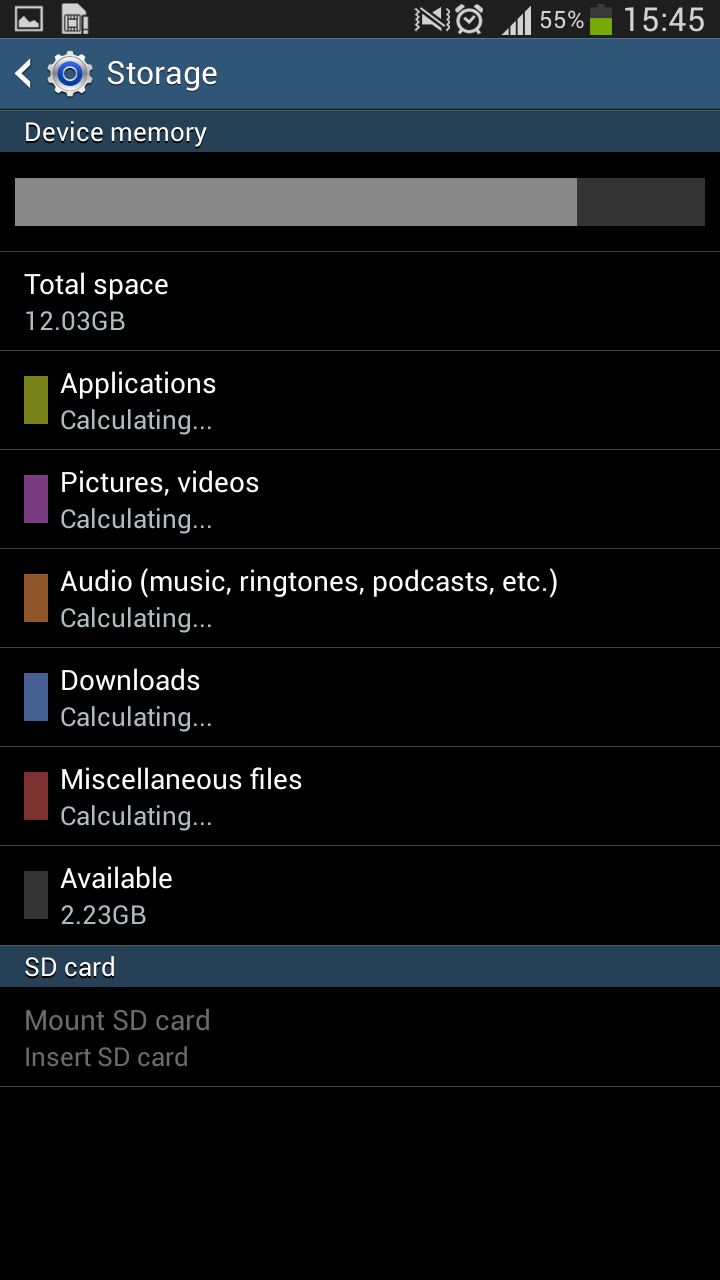
In terms of storage, you get 16 GB of memory on board, with around 12 GB user available storage. You can expand it in two ways though, one using the micro SD expansion slot for up to 64 GB and using the USB OTG functionality to use external hard drives or pen drives. The most convenient solution is obvious and that’s micro SD but it is good to note that the MHL port at the bottom is capable of handling various USB peripherals too.

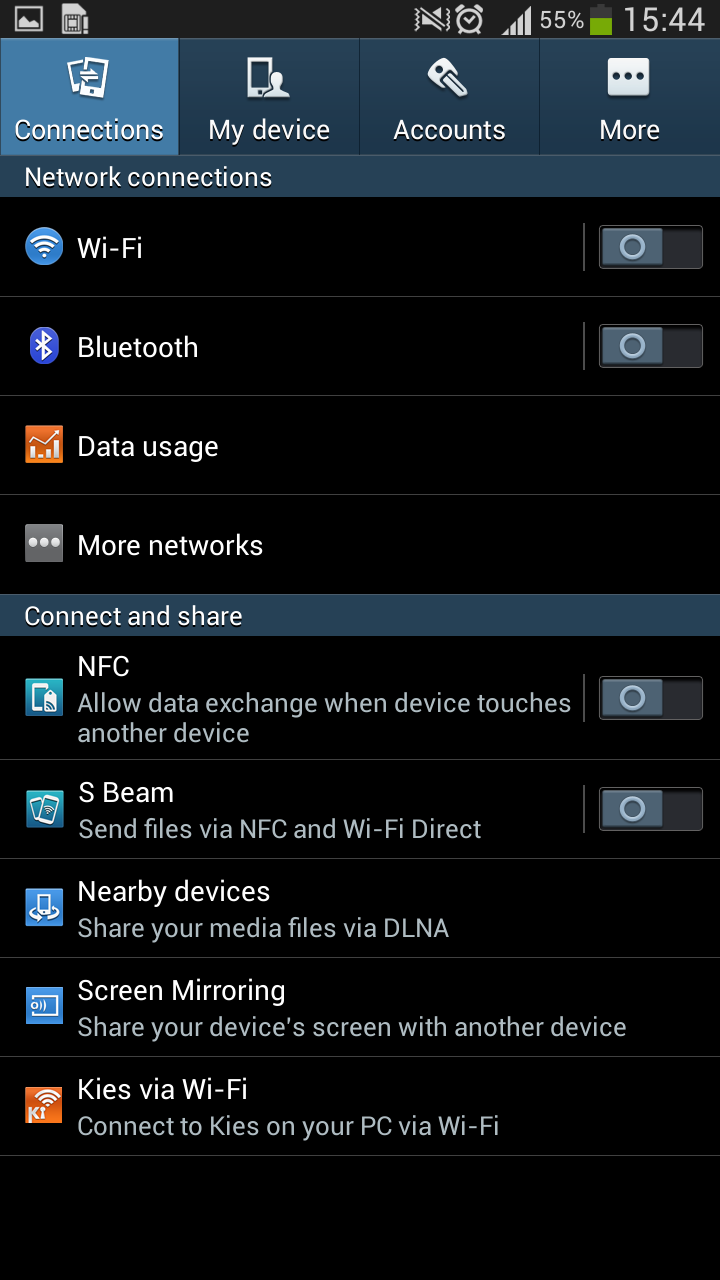
You get 3G HSPA+ for connectivity over cellular, 802.11 b/g/n for WiFi and Bluetooth/WiFi Direct for all PAN related needs. A special app needs to be mentioned when talking about connectivity and that is Samsung’s Group Play software. It can pair with any other Galaxy device over WiFi Direct and stream the same song, creating virtual surround audio. This innovative feature is one of those small Samsung perks that takes advantage of given hardware. NFC and Android Beam are also in-built, with DLNA added into the mix for media streaming. We were able to on-click stream all our videos over to our TV over DLNA without much ado. It also works with all the other DLNA devices, with mirroring capabilities and gives access control for folder navigation too. So, the device is pretty well stocked with connectivity options.
Call Quality and Loudspeaker
The call quality on the Mega 6.3 was predictably decent, with smart noise cancellation using the secondary microphone. It handled VOIP calls well too, with the 1.9 MP front facing camera helping with mushy images at 720p. The loudspeaker too was decent for calls as well as music. It is pretty loud for ringtones, and the vibrator was noticeable even in the thickest of denims. Overall, the call quality performance was nothing to complain about, but it did certainly feel awkward at first to put the device to the face for a call.
Software
Coming to software, the phone runs on the latest Android operating system – 4.2.2 Jellybean with all the advantages associated with it, like the lockscreen widgets, a richer notifications center, lot of quick setting toggles and more. But it is all nothing like what you see on stock Android, as everything is Touchwhiz’d. Yes Samsung never leaves its Galaxy devices untouched, and the abundant bloop sounds make their presence felt in every nook and corner of the UI. Thankfully, due to the versatility of TouchWiz features, there are options to turn it off.

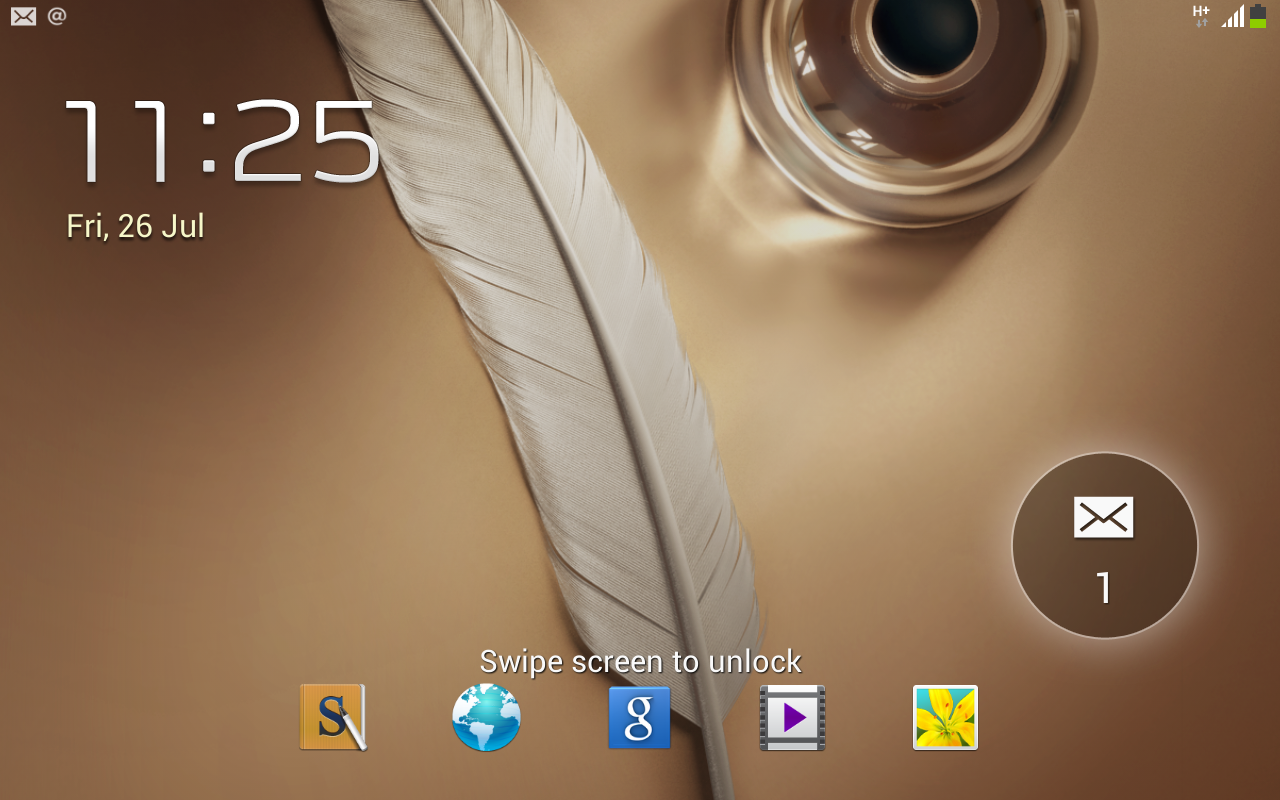
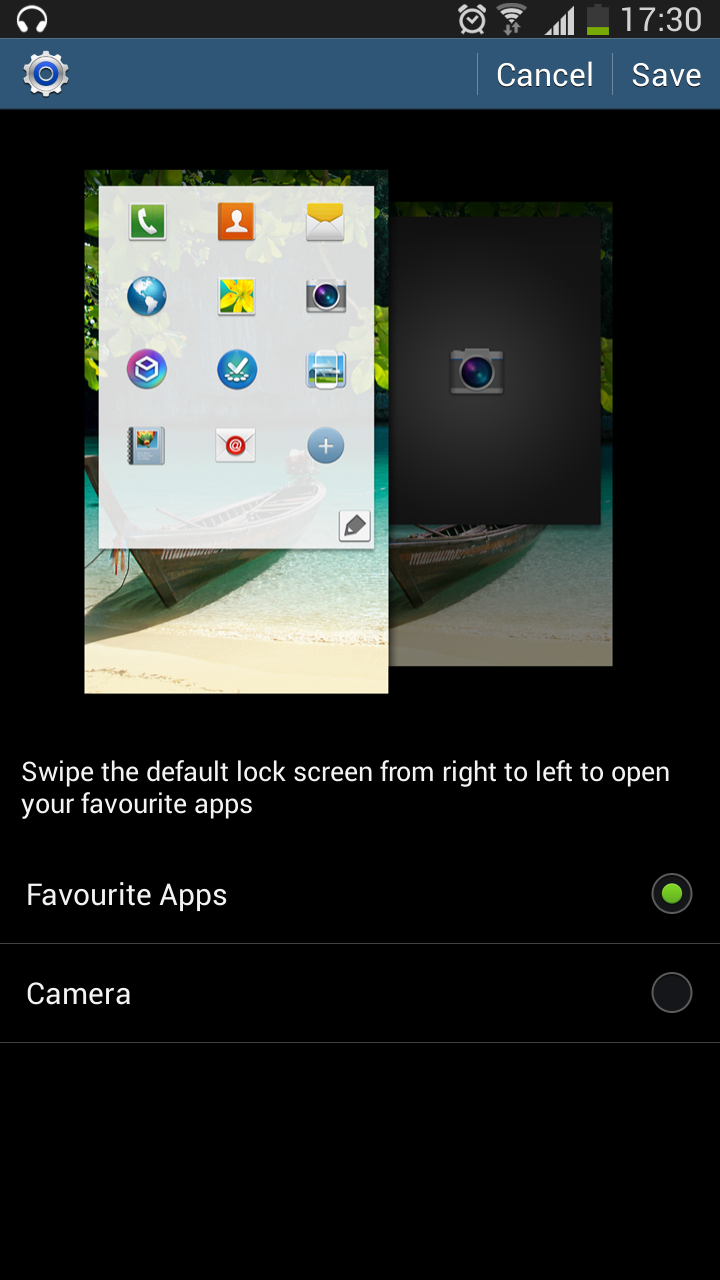
The lockscreen now has a default light effect, that was first seen on the Galaxy S4. It does have some extensive options too, like multiple lockscreen widgets, and indeed support for 3rd party widgets. Swiping to the left can be manually configured to either open up a grid of apps or the camera, like on default Android. You get the similar configurable application shortcuts on the lock screen that are activated by an upward swipe, and that is the only way to use Google Now from the lockscreen.
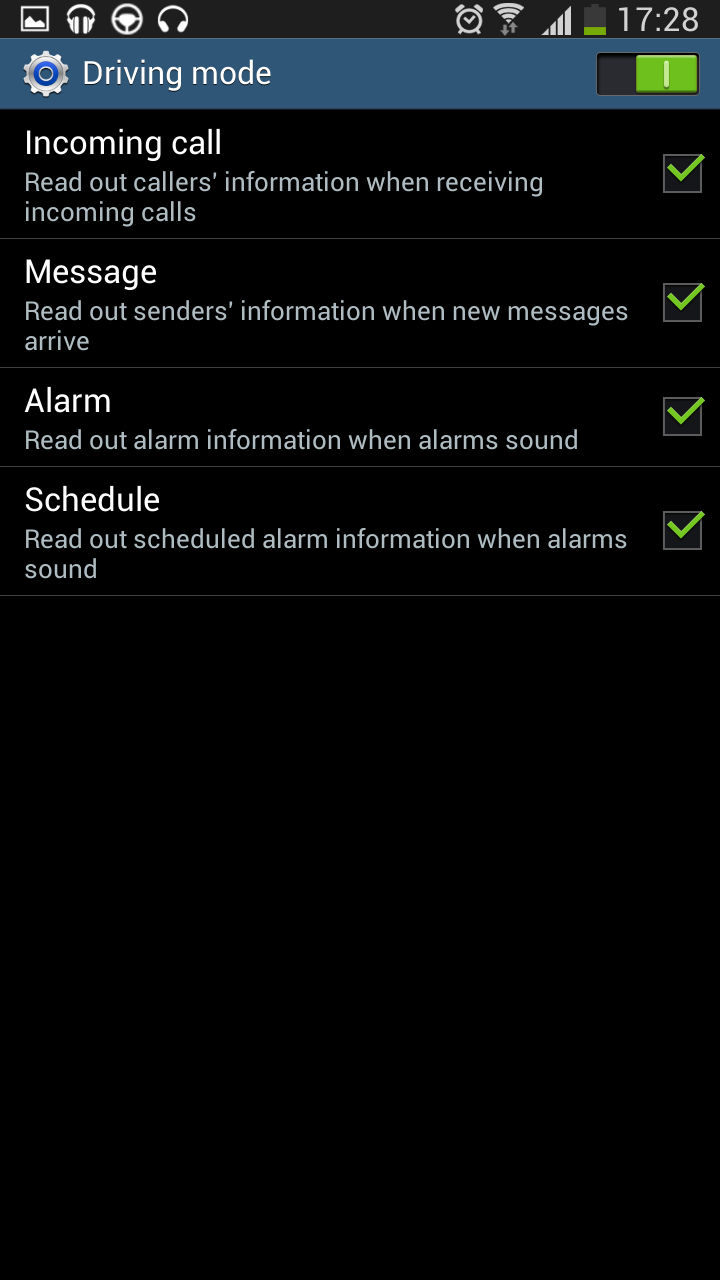
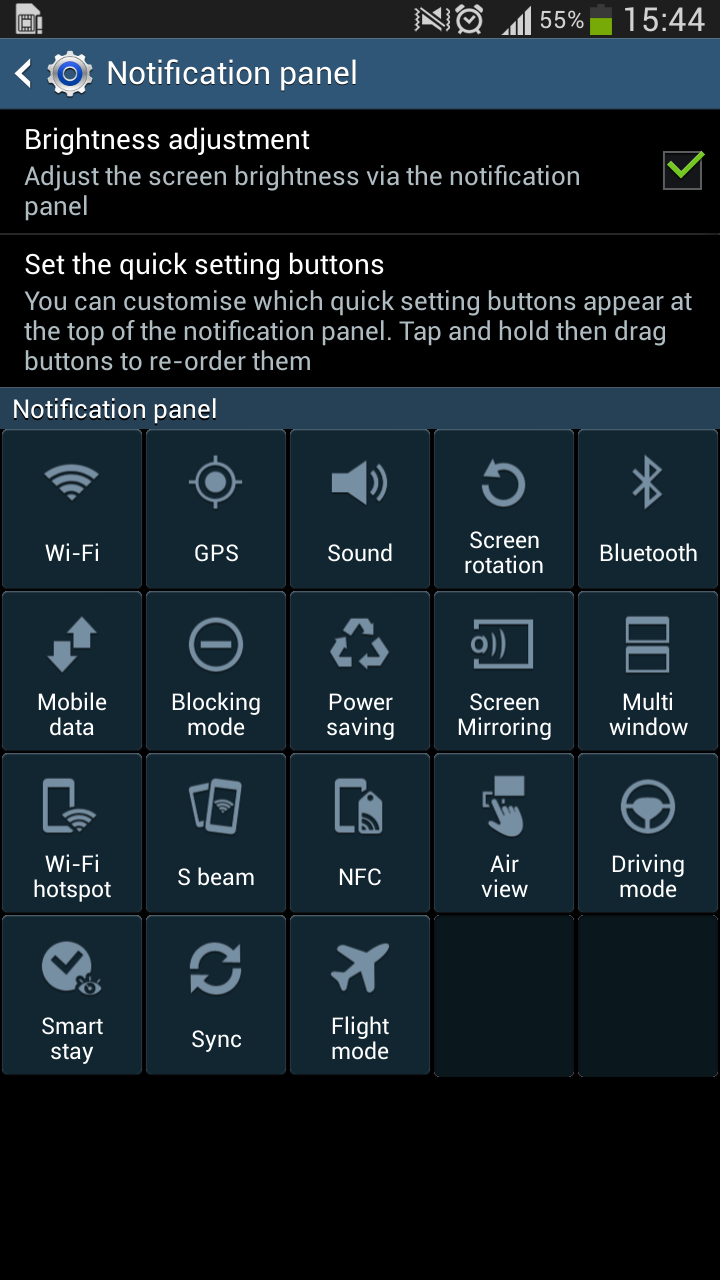
The quick settings are inundated with toggles for almost everything under the sun. Noteworthy inclusions are one touch WiFi hotspot, AirView, Driving mode and of course the usual Samsung specific toggles for sync and mobile data. The settings are now neatly arranged into four columns and provides lots of options without making you search for them up and down. One thing you can give Samsung credit for, is the feature packed choices.

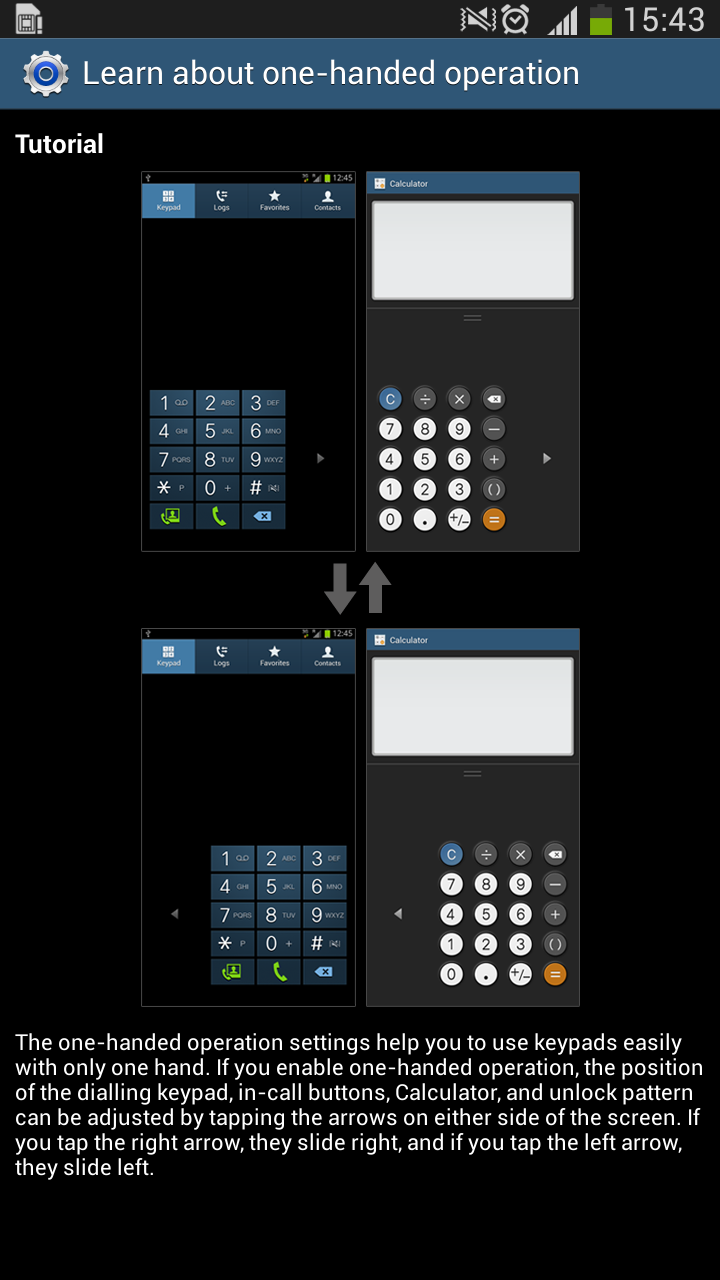
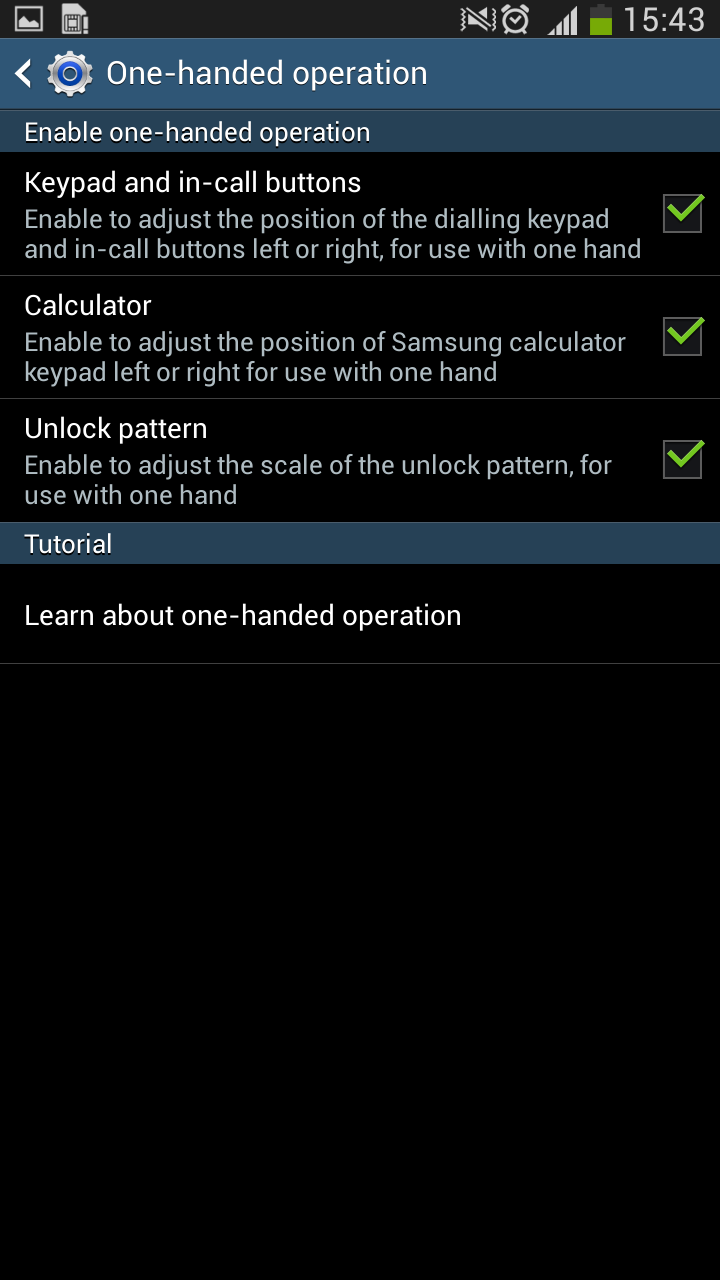
There are also these smart actions that pop up when you connect a peripheral to the device, pretty handy and definitely useful. In addition to all these, the OS also give you handy voice commands for key applications. While it works well, it is too gimmicky for general use. Being a huge device, you might have guessed how tough the one handed operation must be. Touchwiz thankfully has an option to align the UI in specific areas for one handed usage, much like the Note II and we appreciate that detail. Also worth noting that the Mega series are the first Samsung devices to sport the landscape touchwiz UI out of the box, without any modifications. Considering the size of the devices, it is much needed for the default UI, but it is possible in other launchers too.
Anyway, here is a quick tour of all the features you need to know in the Mega 6.3 -
Special Touchwiz features
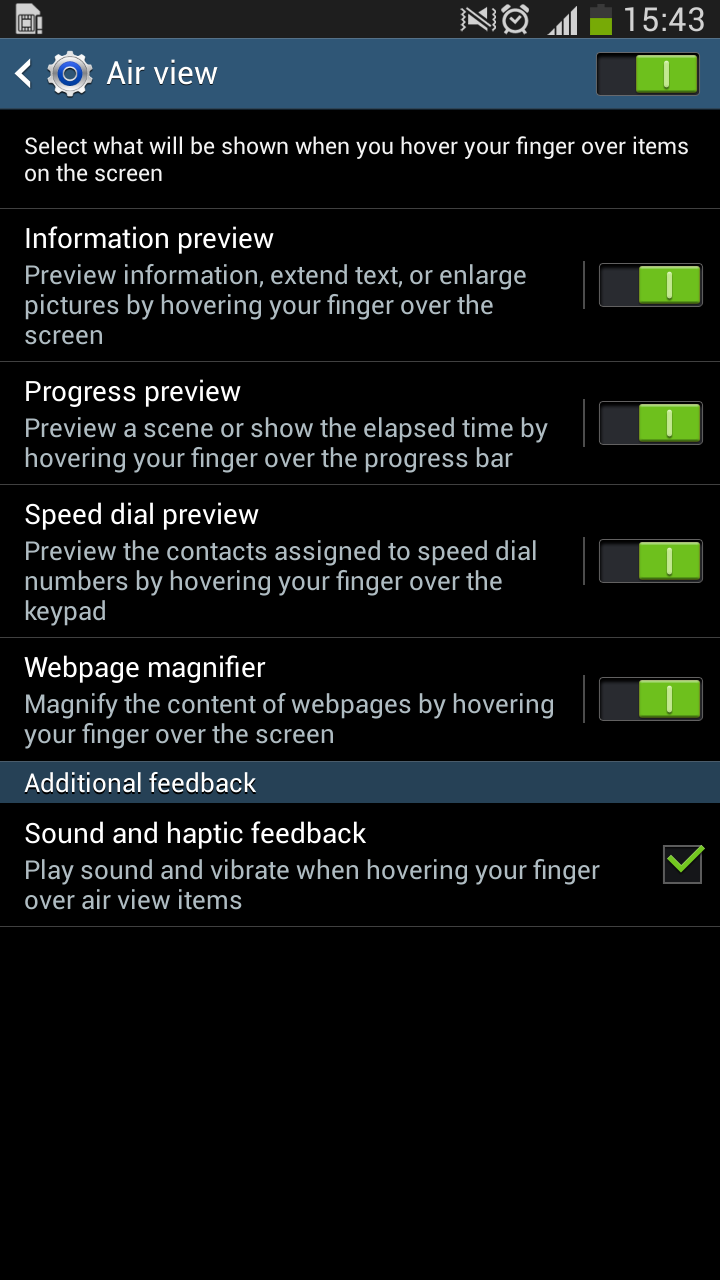
As with Samsung and its pricey Galaxy devices, you get a bunch of special Samsung specific features that you don’t usually see on other devices. Like AirView that lets you hover your finger over the screen for additional information and controls or the multiscreen feature that lets you use selective apps simultaneously on a split screen. There is also this pop out video feature that hovers on the display without intruding on your other UI actions, and the Smart Stay feature that knows when you turn away and only then puts the display to sleep. And then there are some less useful and slightly gimmicky features like smart gestures for calls and screenshots, and more useful things like the Driving mode that provides handsfree interaction for calls, messages and navigation.

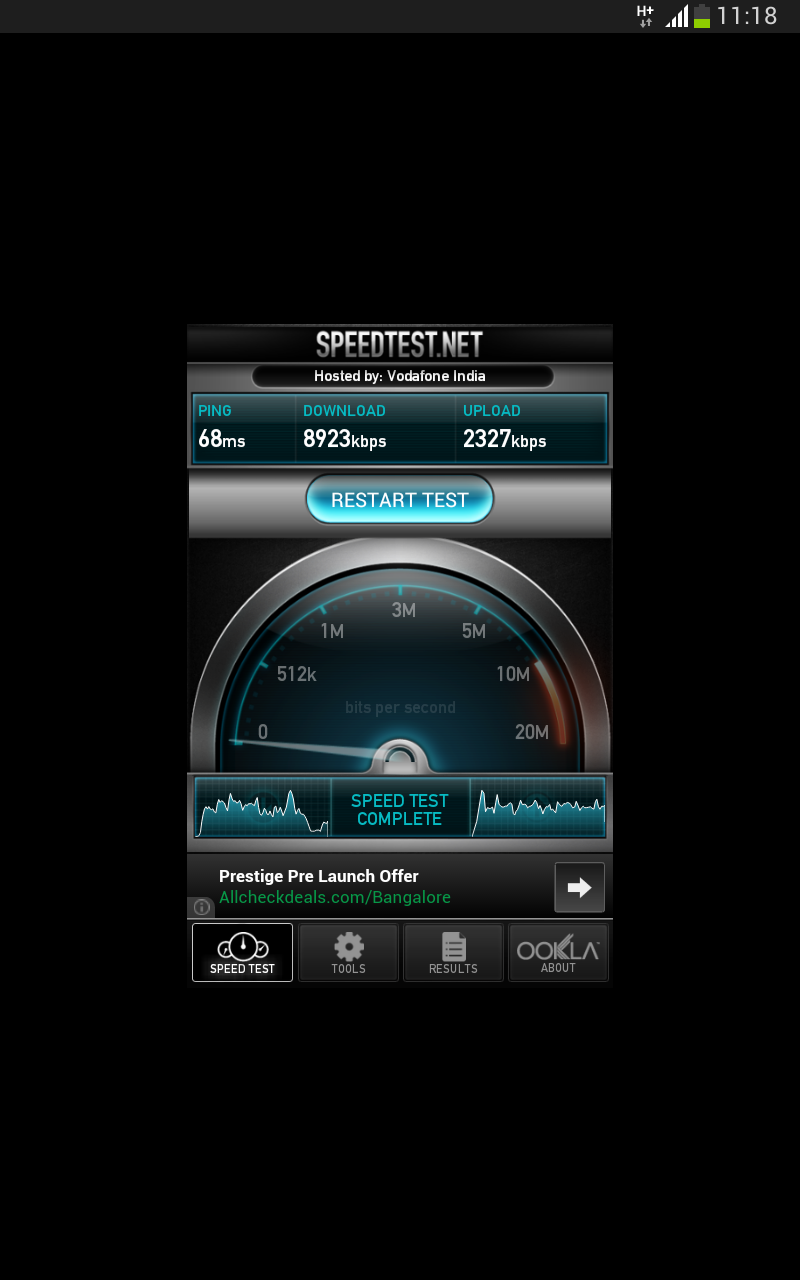
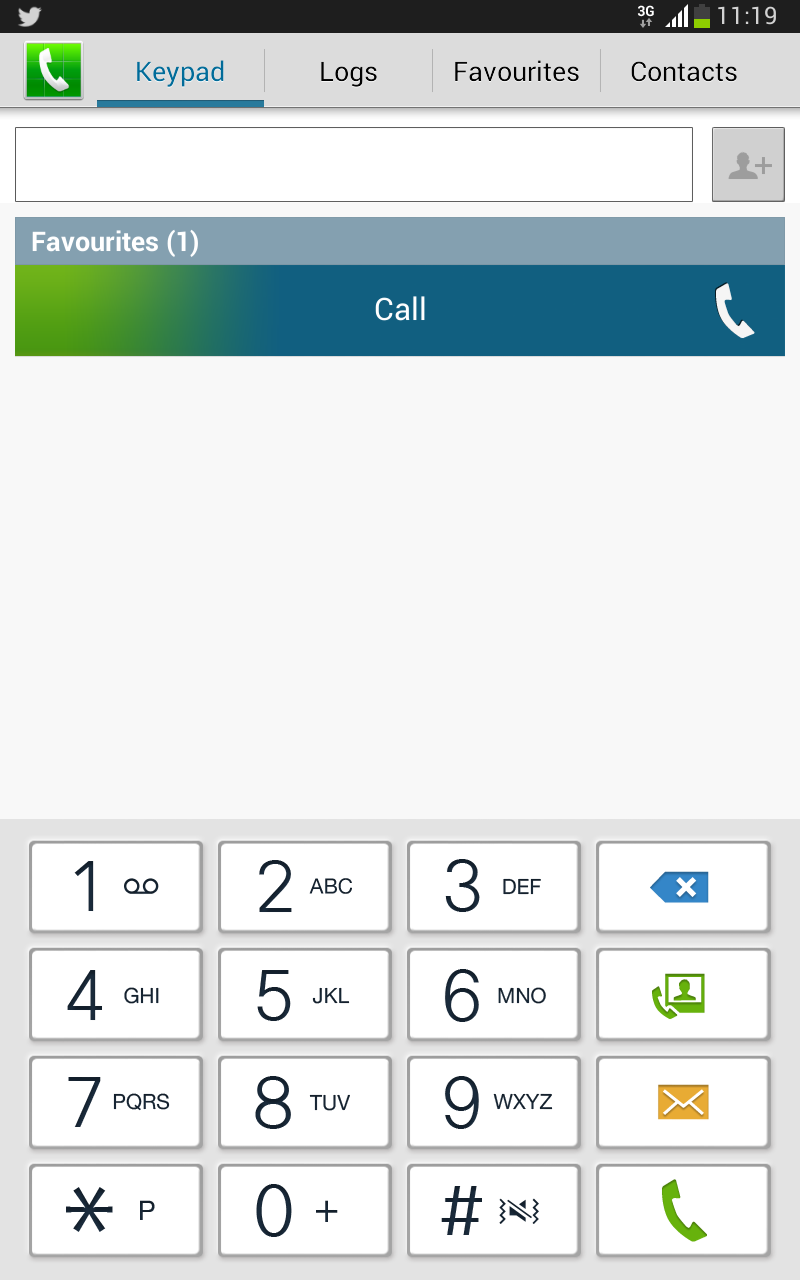
Apart from all the pre installed Google Apps, you also have Samsung’s own apps like the browser, music and video player with its own device specific features. But another important thing to note with these apps and the UI is scaling. Since this is a huge screen, DPI scaling of some sort is going on, and not all apps are supported. For example, the only app that couldn’t scale up was the Speedtest.Net app and we think there might be some others that fall prey to the device specific scaling. However the advantage is that even though the display is just at 720p resolution, due to the size, you get more screen real estate than normal. There are five columns in the grid instead of the usual four and apps that can scale, scale well by accomodating more information on the screen. You can always read more text on the browser, whatsapp or even Twitter. Makes it so much more comfortable than having to witness ridiculously bloated icons.
Battery Life
The huge 3200 mAH battery on the back does double duty as a NFC transceiver but doesn’t stop itself from providing longevity to the phone. With above average media consumption, gaming and regular 3G/WiFi usage, the battery easily lasts for a day, and it still has some juice left for it to go for another day if you choose to cut down on your usage. With very normal usage, you will probably end up with 50% of battery left at the end of the day, it is that good. Adding to the already amazing battery life, the in-built power saving mode can make the phone even miser by aggressively cutting down on brightness and processing power to make the battery go even longer. Overall, we are really impressed with the battery life, and after nearly two weeks of user level testing, we can gladly say the battery is a winner.
Conclusion
The Galaxy Mega 6.3 is a device with a bipolar disorder. It is an extremely portable tablet but a highly unusable smartphone, with the obvious choice left to your needs. If you are not willing to have two separate devices, a smartphone and a tablet, then the Galaxy mega 6.3 is the obvious choice to get the best out of the both. It is a stellar tablet, with perfect dimensions to fit in your hand and tailored specifically for gaming and media consumption, and it can make calls and double up as a phone too, but if you are just looking for a high end smartphone, this is not what you’d want. There are plenty of choices, like the
Lenovo K900 which falls in the exact same price bracket, or even if you just want a huge screened phablet with a similar form factor, there is the
Ascend Mate for a good 6K INR lesser.
So, in the end, if you are willing to own a smartphone-tablet hybrid with all the Samsung specific perks, a better screen and more powerful hardware and a usable camera, the Mega 6.3 is your obvious choice. Go in with the expectations of a tablet and you’ll be surprised.
Pros
- Huge form factor fit for tablet like media consumption and gaming
- Great display
- Longstanding battery life
- Excellent gaming performance
Cons
- Too big for a phone
- Poor choice of materials
- Average camera for the price
- Price – performance ratio