Samsung has been enabling its tablets with calling functionality ever since the first ever non-Apple tablet released, the company’s own Galaxy Tab. While the original Galaxy Tab didn’t have an ear piece to enable phone-like calling, it did have the support. Tab 2 310, its successor on the other hand had an ear piece to let people use it like a phone. Various other manufacturers then warmed up to this idea and released their own calling tablet much to the critics’ ridicule, but a market was definitely there. On that note, Samsung launched the Note 8.0 at the Mobile World Congress this year, and introduced a WiFi as well as a cellular version with calling.
We had reviewed the WiFi version earlier and now we are going to see how the cellular version is different and what its extra features are. Is the calling version really that useful on a 8 inch tablet? Lets find out.
Usability
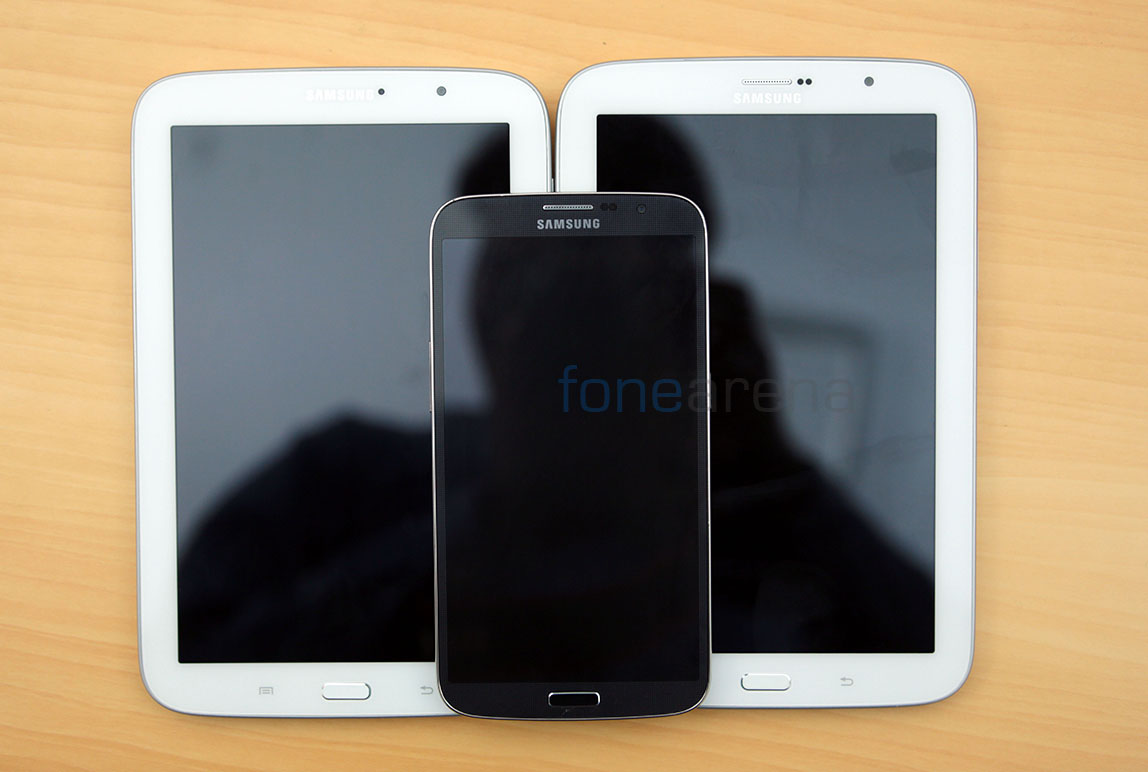
The first constraint we faced was usability. The Note 8.0 is a proper 8 inch portrait tablet and is meant to be used like one, so it was obviously really awkward even to hold it in one hand. Unfortunately so, you have to deal with one handed usage because of the tablet’s ear piece that lets you speak to other people over the phone. Overall, we found the one handed usage to be the disastrous. We had made the most uncomfortable phone call, and looked stupid at the same time. But people buy despite this fact they already know, so no biggie there.
Connectivity and Call Quality
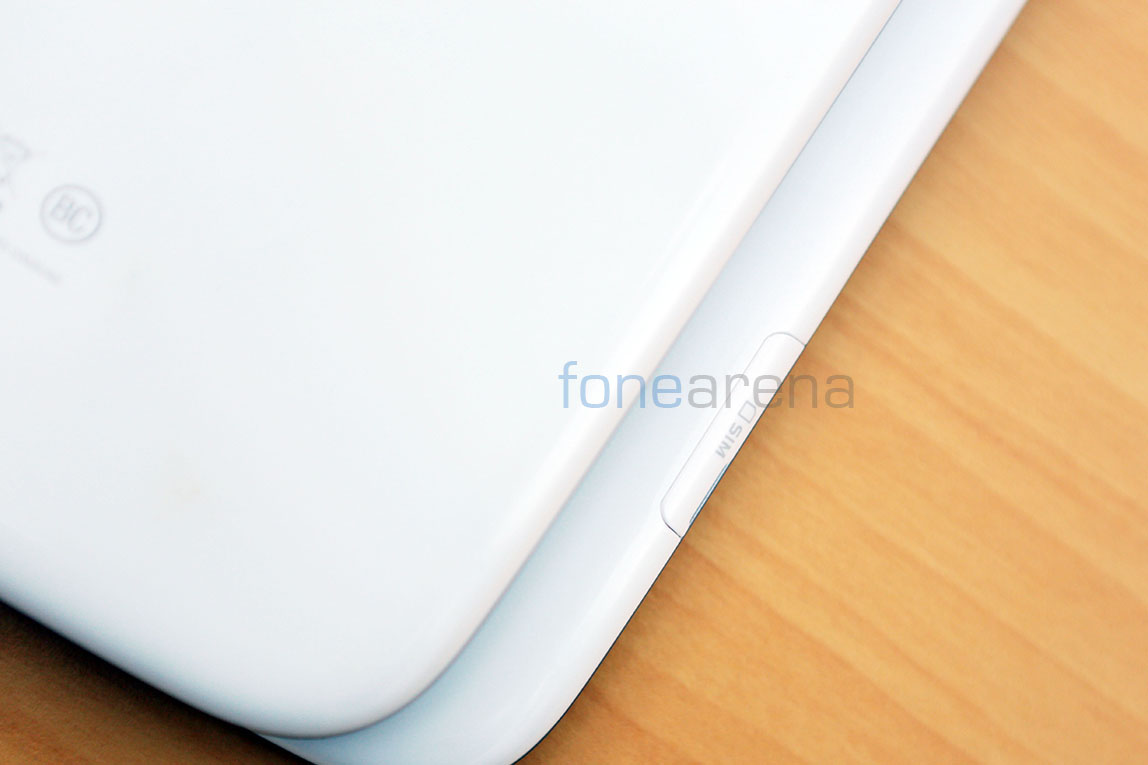
A micro SIM slot is added to the left side of the tablet and with it comes the radios that are necessary for mobile connectivity and data. The micro SIM slot is located far below the micro SD slot inside a flap that’s easy to open. The radio connectivity options include 3G HSPA+ for high speed data and it is tailored for the Indian market, so you don’t have any LTE chip in there.
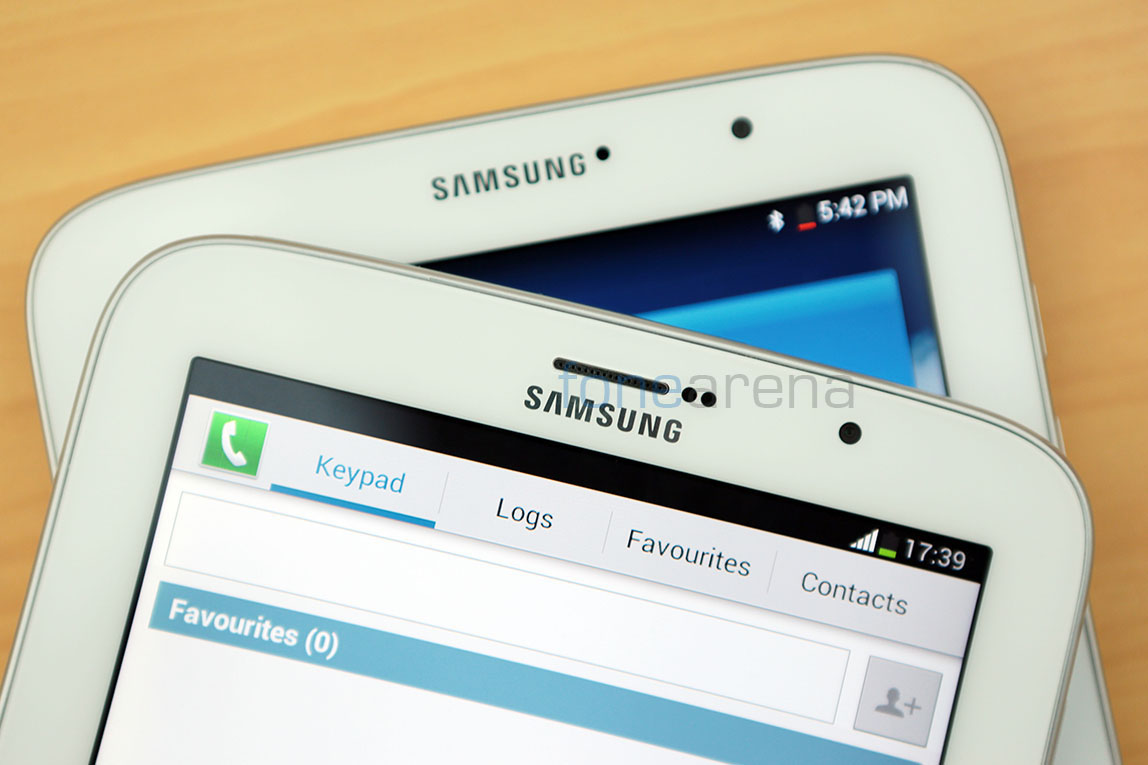
Call quality was predictably good with the loudspeaker coming in handy, literally. Also, unlike a phone, it is not immediately apparent where the ear piece is and since there is a large surface area in which the ear piece sits flush. Getting used to seems to be the only way, or you can always use a Bluetooth headset and circumvent the whole embarrassment factor.
Apps
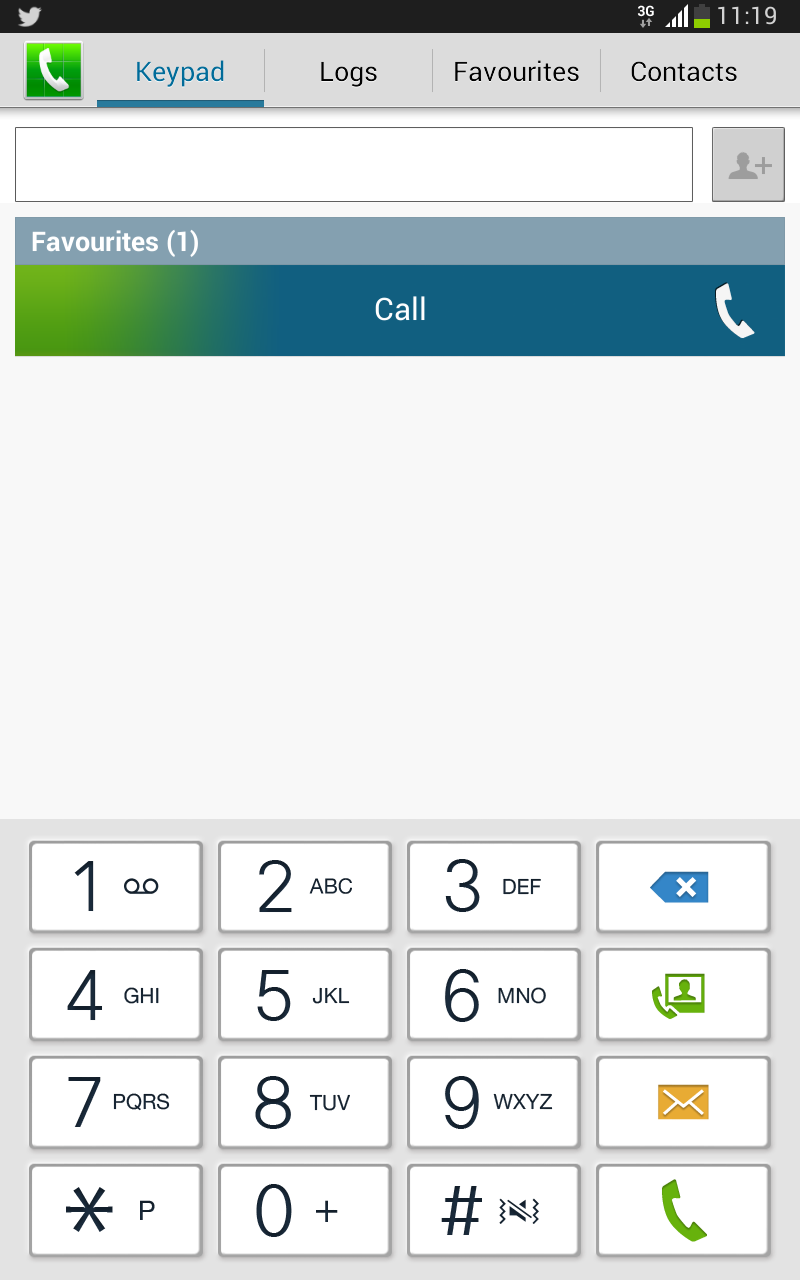
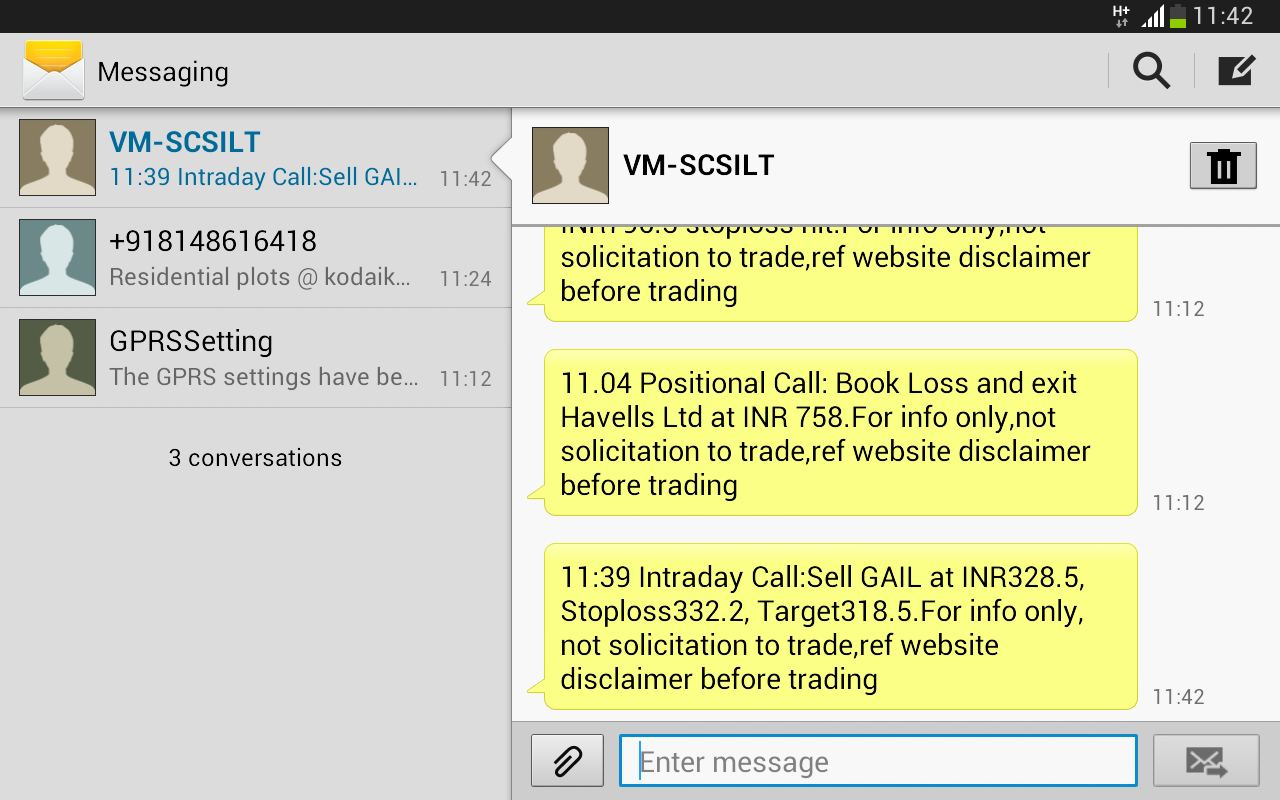
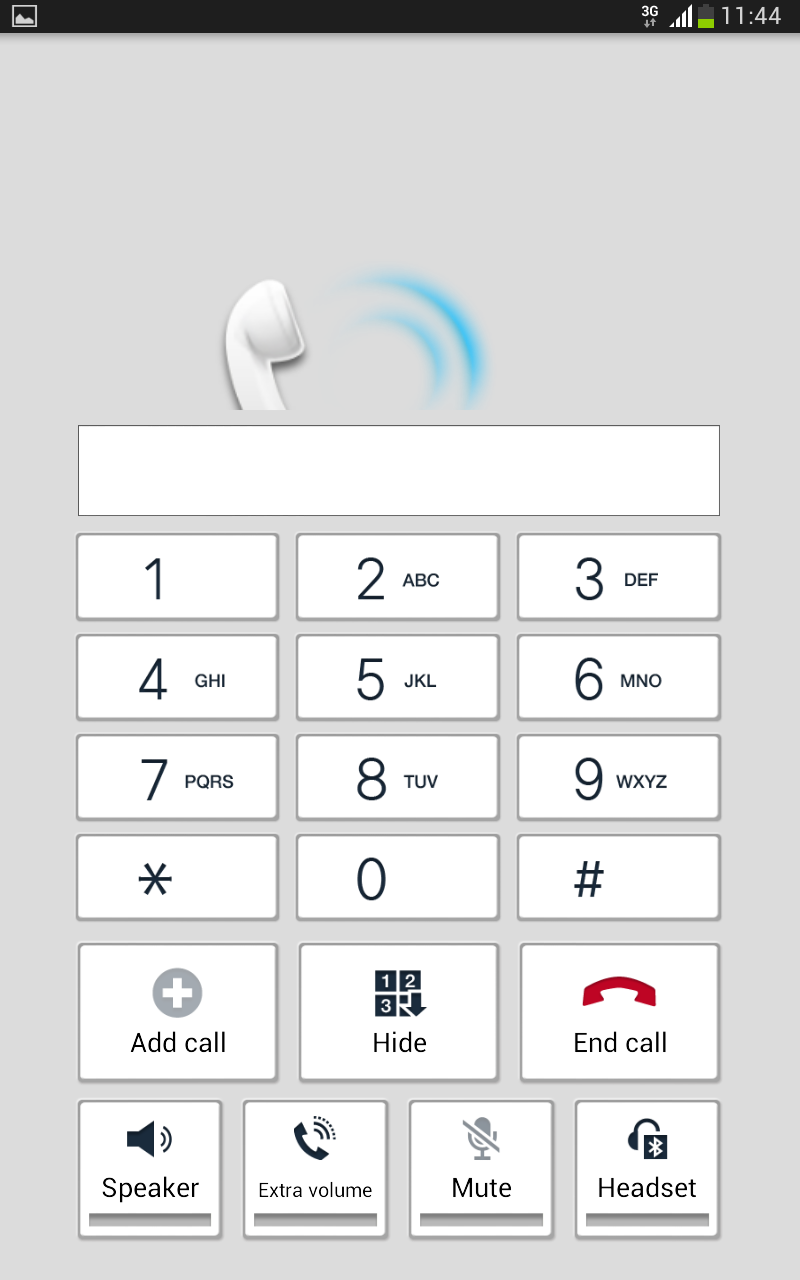
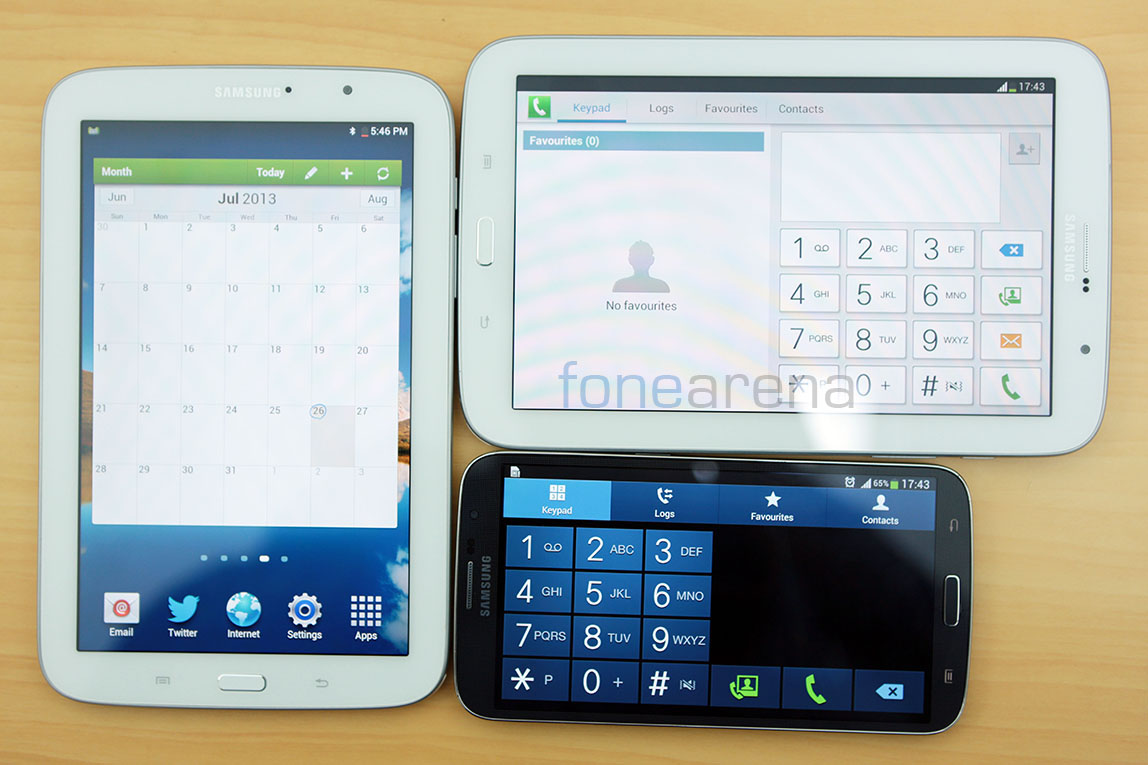
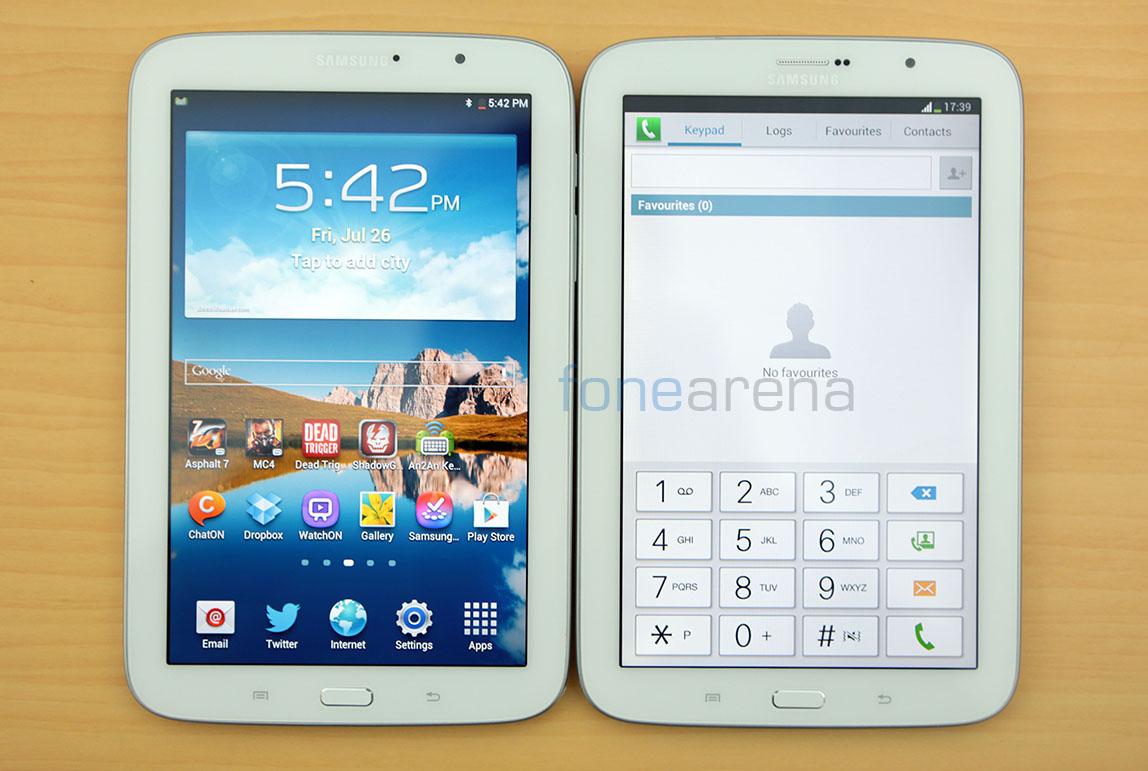
The Note 510 has all the apps and services that you can use with a SIM. That includes the default messaging, dialer, contacts apps from Samsung that you usually see on its various phones, but they are custom built for the tablet UI. Right from the large spacious buttons for the dialer to the dual column UI for the messaging app, the UI is not like what you see on phones, which is a good thing, but at the same time, it is ridiculous to look at the dialer on a huge screen.
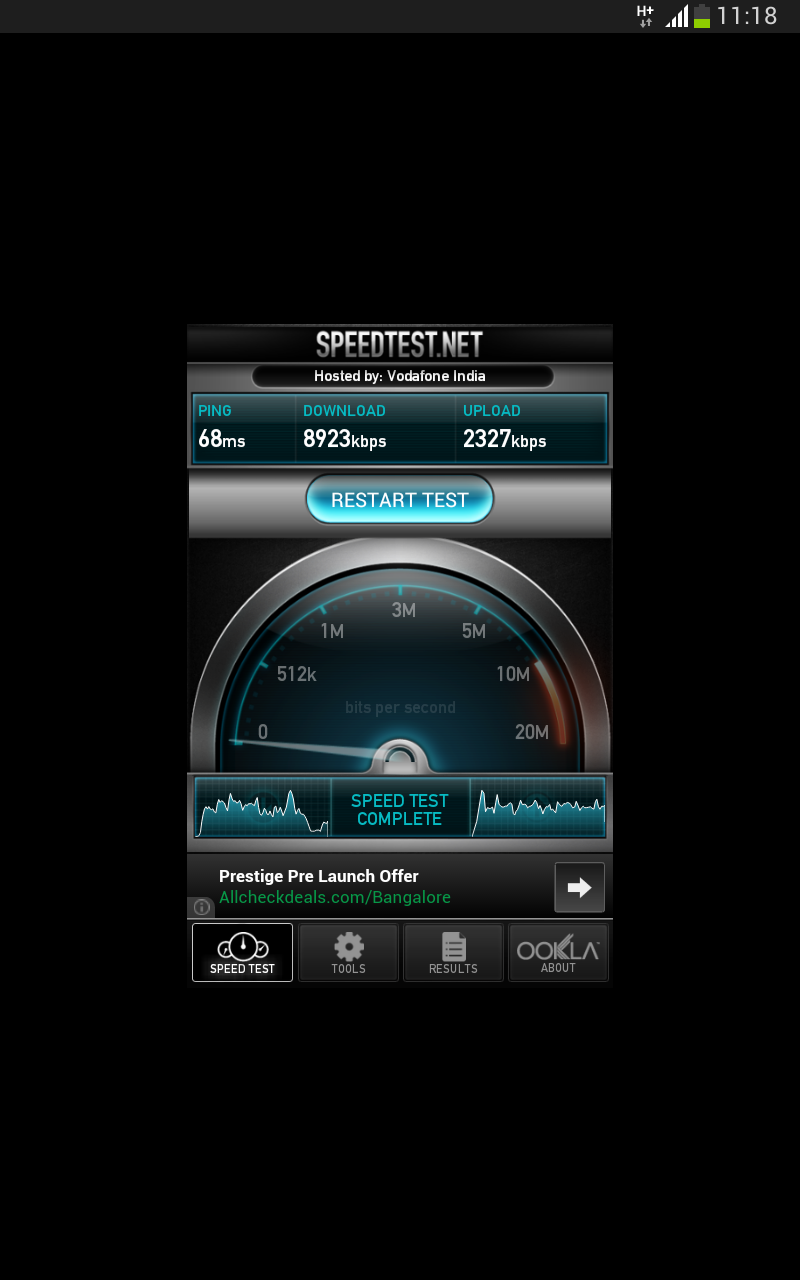
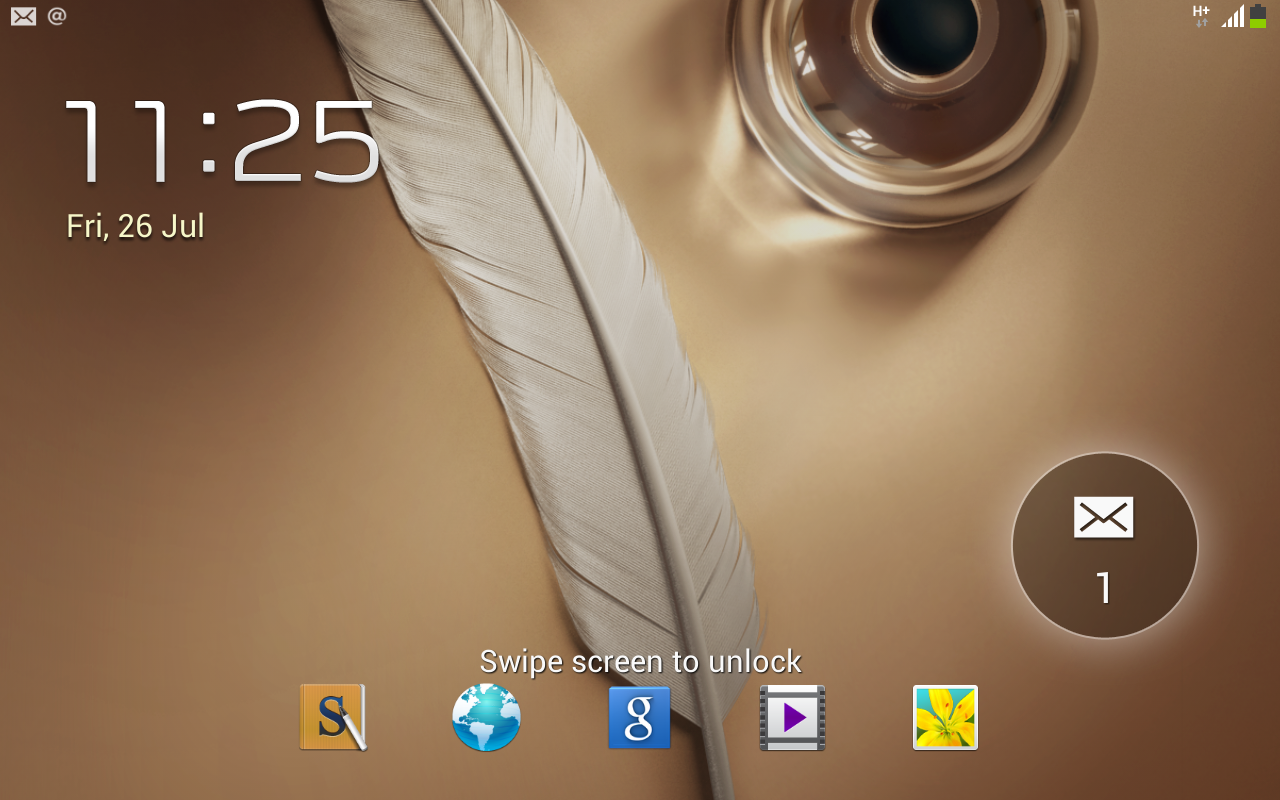
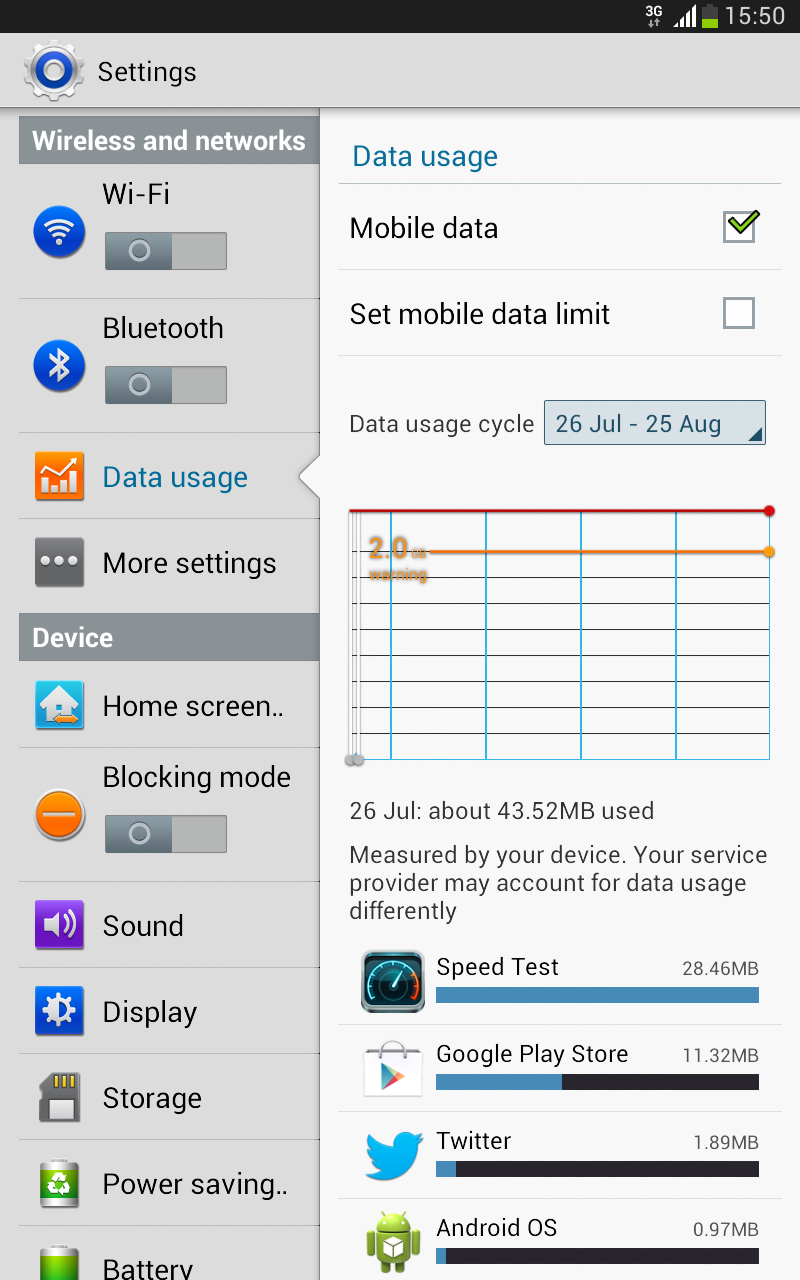
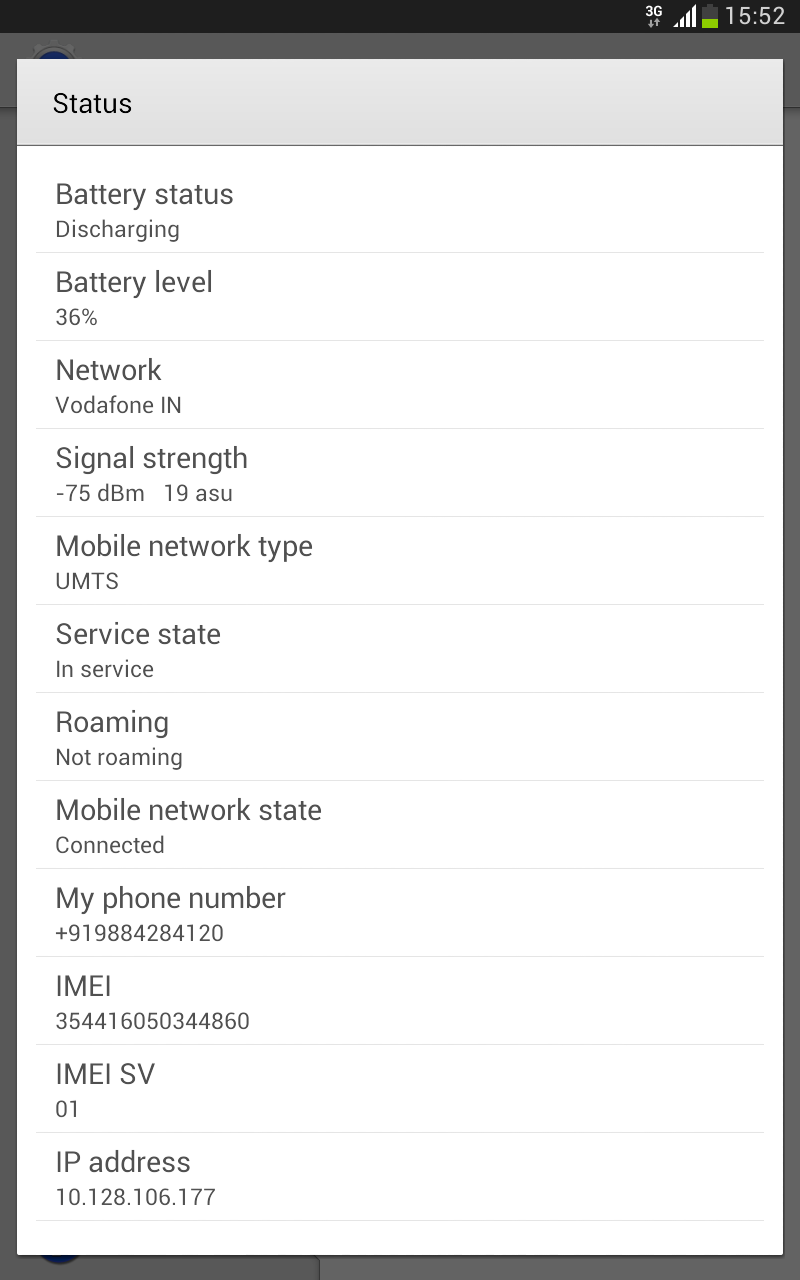
SIM dependent apps like Whatsapp work just as well as on a phone, so if you’ve been waiting to chat comfortably on a large screen, this device gives you the chance. That aside, you have other mobile network enabled options like WiFi Tethering and hotspot and mobile data usage monitoring and control. Here are some screenshots of all the SIM and mobile related interface level changes and apps that you get on the Note 510 -
Apart from the calling and mobile data connectivity abilities, the Note 510 is exactly the same as the Note 8.0, which we concluded with the list of pros and cons here -
Pros
- Best form factor for a Note taking device
- S-Pen works great
- Good for watching videos
- Good performance
Cons
- Plasticky build quality
- Screen not great for consumption up-close
- Battery life is average
- Usable internal storage is low for the 16 GB version
So, concluding, if you can live with the above compromises and want a pricey calling tablet, the Note 510 is your only choice. As ridiculous as it may seem, there are people who prefer the comfort of a huge screen coupled with basic mobile functions, but with Samsung appeasing that crowd with a more compact Galaxy Mega 6.3, this device may prove a choice only for the stylus enthusiasts. Part of that Niche? This device will serve you well.
P.S – More photos -